


In this article, we will look at the five components that make up SAP API Management (APIM). In the previous part, we looked at the architecture: the API proxy, the policies attached to it, and the Apigee engine underneath. Now let’s look at the actual tools you will work with.
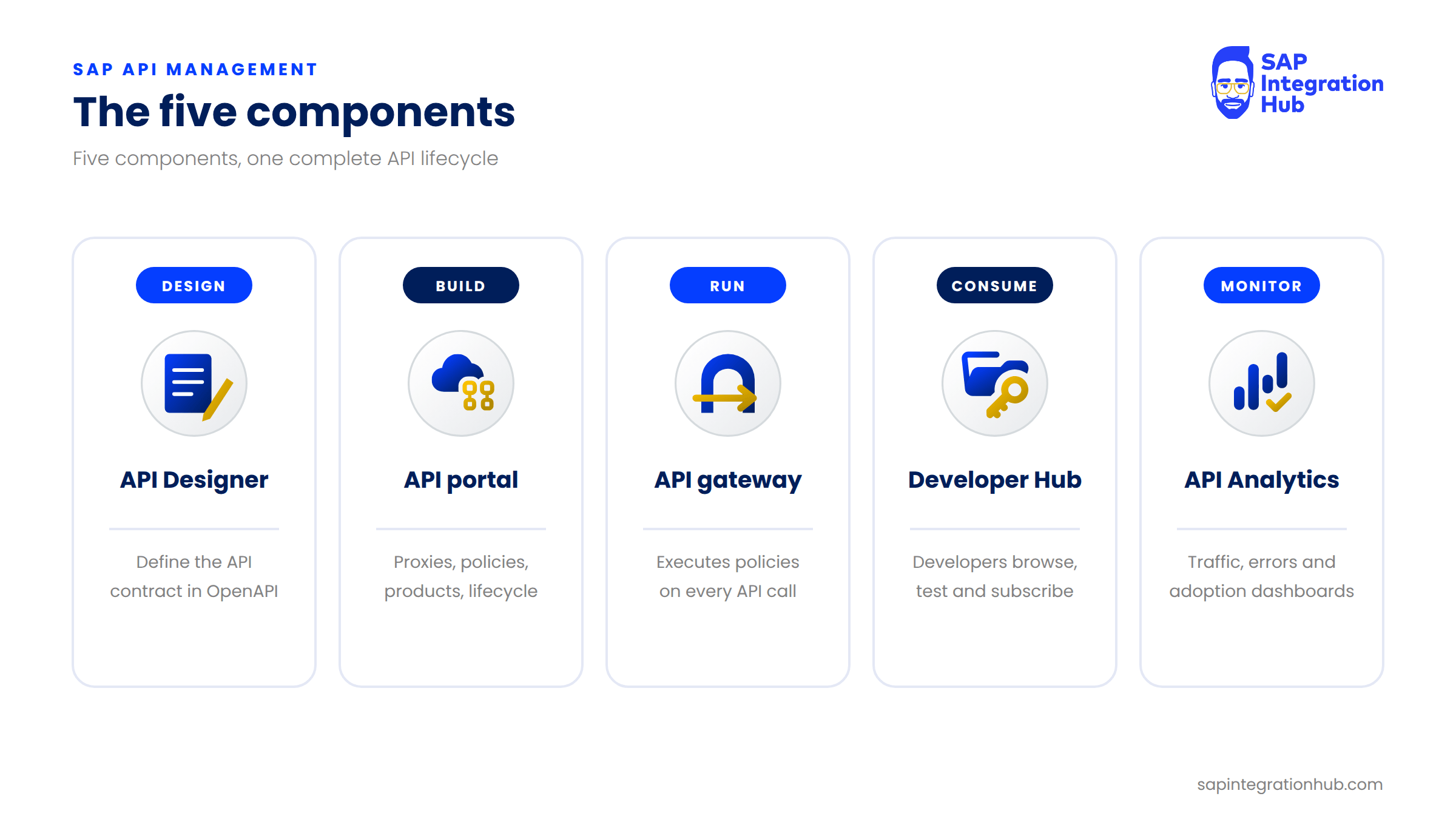
SAP API Management is made up of five components: the API Designer, the API portal, the API gateway (also called the API runtime), the Developer Hub, and API Analytics. Each plays a different role, and together they cover the full lifecycle of an API: designing it, building it, running it, letting developers consume it, and monitoring how it performs. We will go through each one, then see how they work together, and finally where you will actually spend your time.
1. API Designer: The Blueprint
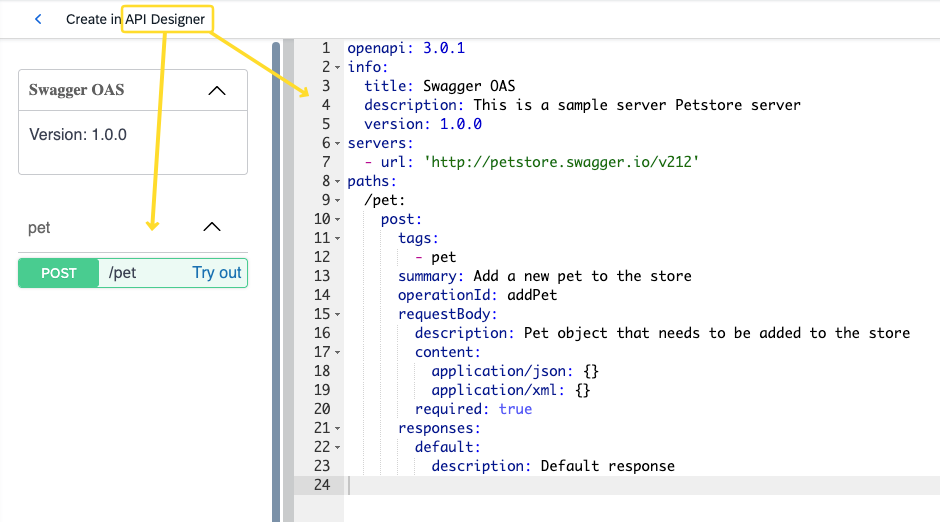
The API Designer is where you need a blueprint how your API looks like: which endpoints it has, which HTTP methods it supports, which parameters it expects, and what its responses look like.
In the API Designer, you describe that API contract using the OpenAPI Specification. If you haven’t come across OpenAPI before, it is simply a standard format for describing REST APIs. You write the definition in YAML or JSON, and that definition becomes the single source of truth for your API.
Not every team uses the API Designer. Some jump straight into the API portal and start building proxies. But if you want a clean, well-documented API, starting with the design is the approach I recommend.
2. API Portal: Where You Build and Manage
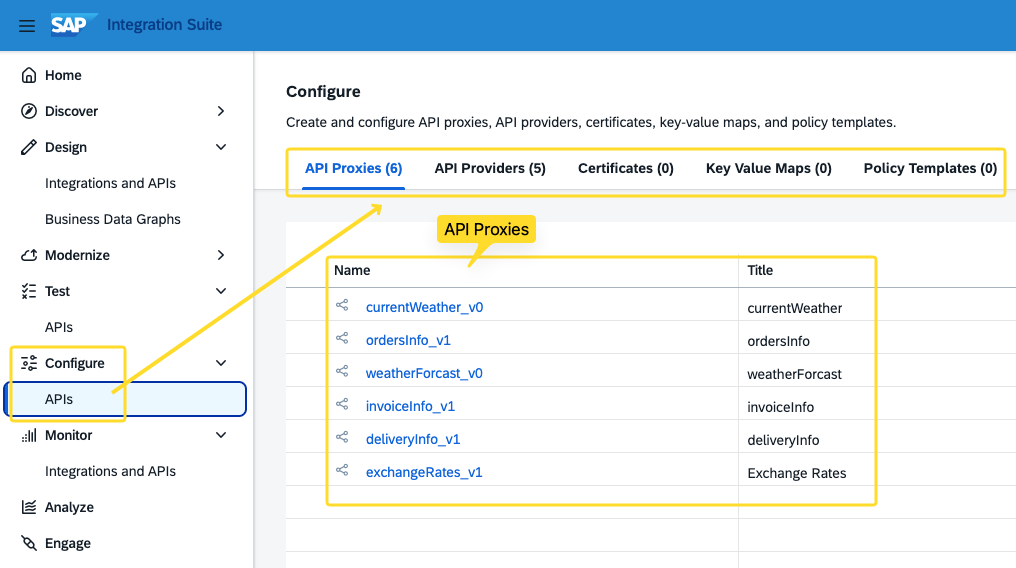
The API portal is your main workspace as an API administrator, and it is where you will spend most of your time. Four things happen here:
API proxies: you create the API proxy, the managed front door between the consumer and your backend that we looked at in the previous part.
Policies: you attach security, traffic management, and mediation policies to that proxy.
Products: you group APIs into products and publish them.
Lifecycle and rate plans: you version, deploy, and undeploy your APIs, and configure rate plans if you want to monetize them.
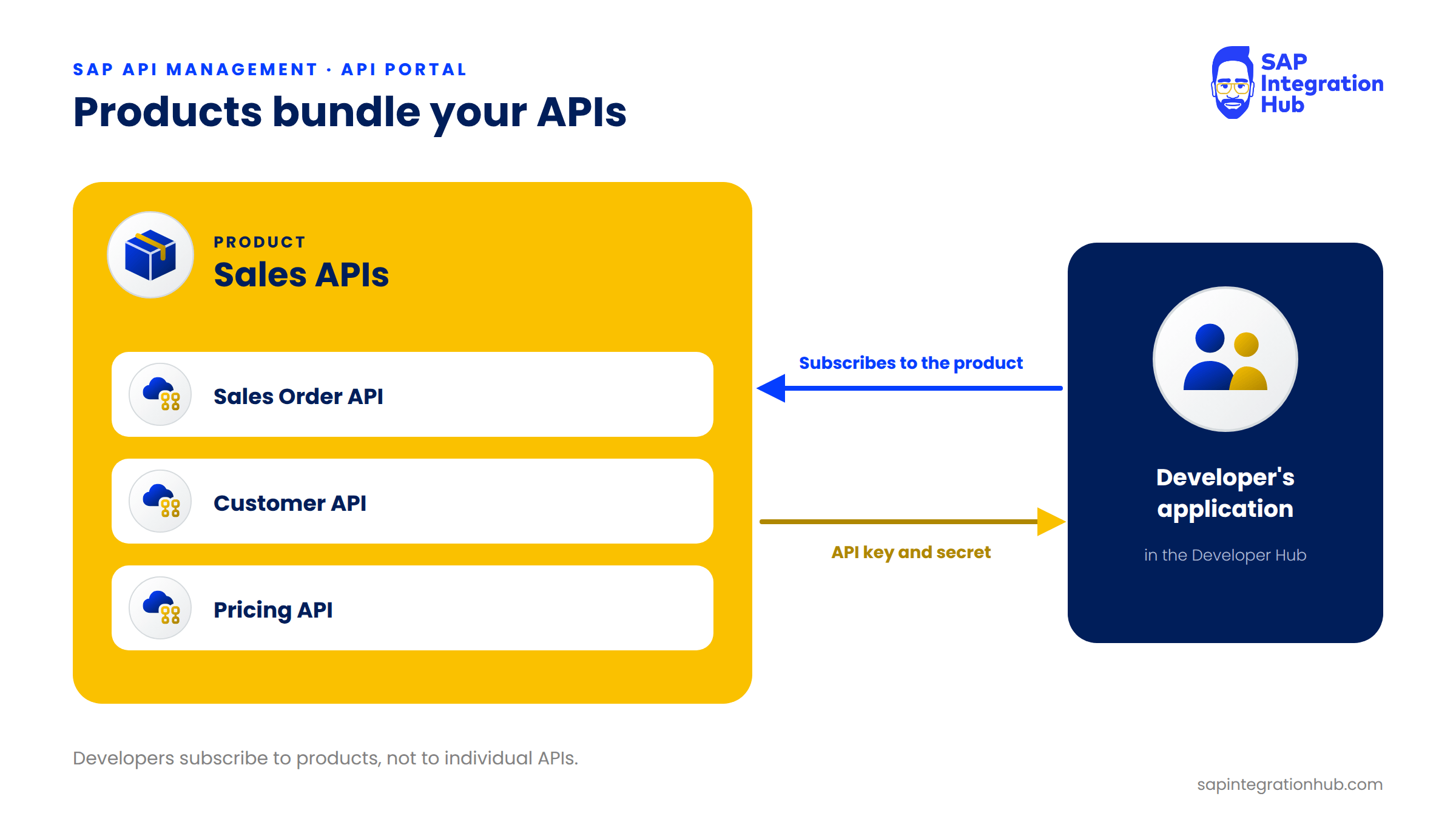
A product is a bundle of one or more APIs that you publish together. For example, a “Sales APIs” product might contain your Sales Order API, your Customer API, and your Pricing API.
💡 Key takeaway
Developers don’t subscribe to individual APIs in SAP API Management. They subscribe to products.
If there is one component you need to know well as a developer, it is the API portal.
